

Time4Bets Withdrawal Troubleshooting Guide
Time4Bets Withdrawal issues usually come from verification, payment limits, or incorrect payout details. Canadian players can use crypto, Visa, Mastercard, and bank transfer for cashing out. Each method has its own minimum amount, maximum amount, and technical checks. Time4Bets is operated by Amadeus Technology B.V. The project was founded in 2016 and holds an Anjouan licence, NO. ALSI-202603024-FI1. The platform supports sportsbook, casino, live casino, desktop play, mobile play, and live chat support.
Why Withdrawals Get Delayed
Time4Bets Withdrawal processing depends on the selected method, account status, and payment checks. A crypto payout can move differently from a card withdrawal. A bank transfer also follows its own review path. The fastest fixes usually start before the request is sent. Players should confirm verification, payment details, available balance, and the correct payout route. The system uses 3D Secure and PCI DSS-compliant payment processing, so failed security checks can slow the release.

Common reasons for Time4Bet Withdrawal delays include:
- Pending KYC verification. The account must confirm age 18+ before approved withdrawals.
- Wrong withdrawal amount Crypto starts from C$29, bank starts from C$142, and Visa/Mastercard starts from C$29.
- Method-specific restriction. Some cards or banks may reject gambling-related payouts.
- Incorrect payment details A wrong wallet network, card number, or bank field can trigger rejection.
- Security review. 2FA, payment checks, and document review can add extra time.
How to Fix Withdrawal Issues
A failed Time4Bets Withdrawal does not always mean funds are lost. Most failed requests return to the account balance after review. The next request should be cleaner, smaller if needed, and matched to the correct method.
Start with the withdrawal page and compare the request against the method rules. Check whether bonuses, wagering, age verification, or payment data still need attention. Support is available by live chat when the account shows repeated failures.
| Problem Seen | Fast Check | Practical Fix |
| Request stays pending | KYC status | Upload clear documents and wait for review. |
| Amount rejected | Method limit | Adjust the amount to the allowed range. |
| Crypto not received | Network and address | Match TRC20, ERC20, BTC, ETH, LTC, or DOGE correctly. |
| Card payout fails | Card eligibility | Try another approved method or contact live chat. |
| Bank payout rejected | Bank data | Re-enter beneficiary details exactly. |
Use these steps before sending a new Time4Bets Withdrawal request:
- Open the cashier and check whether the withdrawal is still pending.
- Confirm that your account documents are accepted.
- Check the minimum and maximum amount for the selected method.
- Review card, bank, or wallet details before submission.
- Enable 2FA if stronger account protection is needed.
- Contact live chat if the same error appears again.
Minimum Withdrawal Mistakes
Minimum withdrawal mistakes are easy to miss. A player may request C$80 by bank transfer and expect approval. The bank minimum is C$142, so that request can fail before normal payment handling starts.
Time4Bet Withdrawal limits also differ by payout type. Crypto allows larger transaction ceilings than Visa or Mastercard. Bank transfer has a high daily maximum, but the starting amount is higher. Canadian players should check the cashier rules before splitting withdrawals.
| Withdrawal Method | Minimum Withdrawal | Maximum Withdrawal |
| Crypto: USDT TRC20, USDT ERC20, USDC ERC20, BTC, ETH, LTC, DOGE | C$29 | C$284,000 per transaction |
| Visa | C$29 | C$14,200 |
| Mastercard | C$29 | C$14,200 |
| Bank Transfer | C$142 | C$142,000 per day |
A rejected Time4Bets Withdrawal can happen when the player selects the correct method but the wrong size. Bank withdrawals under C$142 should be changed to card or crypto when available. Card withdrawals above C$14,200 should be split or moved to another eligible method.
Deposit limits do not equal withdrawal limits. Fiat deposits start from C$8 and can reach C$42,600 per day. Crypto deposits start from C$2 and can reach C$142,000 per day. Cashing out uses separate rules.

Method-Specific Problems
Crypto withdrawals need exact network matching. USDT TRC20 and USDT ERC20 are not interchangeable. USDC uses ERC20. BTC, ETH, LTC, and DOGE each require the correct wallet address format. A Time4Bets Withdrawal to the wrong network can fail or become hard to recover. Players should copy wallet addresses directly, avoid manual typing, and confirm the network before approval. Blockchain confirmation speed can also affect visible arrival time.
- Visa and Mastercard Issues Visa and Mastercard withdrawals start from C$29 and run up to C$14,200. Card payouts can fail when the card issuer blocks gambling transactions, expires, or does not support return payments. A card used for deposits may still need separate payout acceptance. 3D Secure protects card payments during the cashier flow. PCI DSS-compliant processing protects card data handling. These controls reduce payment risk, but they can reject suspicious or mismatched requests.
- Bank Transfer Issues Bank transfer starts from C$142 and can reach C$142,000 per day. Bank payouts often require exact beneficiary details. Name mismatch, wrong routing data, or incomplete account information can stop the request. Method-specific issues often fit these patterns: Crypto. Wrong network, wrong wallet, low amount, or delayed confirmations. Visa. Card issuer blocks payout, expired card, or unsupported return route. Mastercard. Bank restriction, card mismatch, or transaction security review. Bank Transfer. Incorrect beneficiary name, account number, or bank code. All methods. KYC still pending or account review still active.
KYC-Related Delays
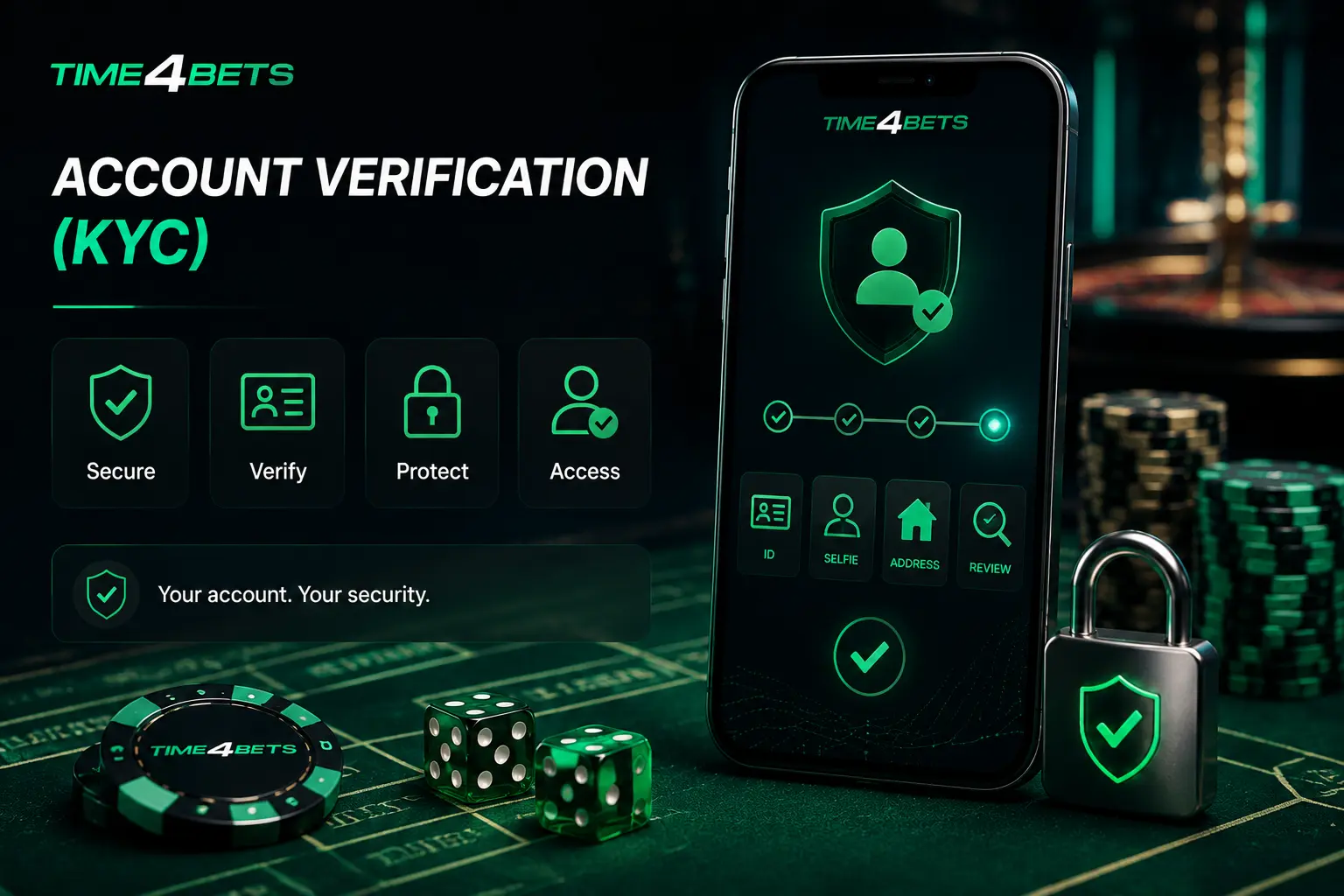
KYC is required at Time4Bets because players must be over 18. A Time4Bet Withdrawal can pause until the account has provided all documents. The review protects the player, the operator, and the payment process.
Typical checks may include identity proof, age confirmation, and payment ownership. The uploaded details must match the player account. Different names, blurry images, cropped corners, or expired documents can create extra review work.
The account is protected by email, username, password, and optional 2FA. Players should enable 2FA before requesting large payouts. This adds a second lock against unauthorised access.
A verified account usually moves through withdrawal checks with fewer interruptions. If the player recently changed payment method, phone number, email, or device, the account can receive another security look. Live chat can confirm whether the delay is document-related.
Incorrect Payment Details
Incorrect payment details are a common cause of Time4Bets Withdrawal rejection. Crypto addresses must match the asset and network. A USDT TRC20 withdrawal should not be sent to an ERC20-only address.
Card details need the correct card number, active status, and matching ownership. A payout can fail when the card belongs to another person or the bank declines gaming-related transactions. The same issue can affect both Visa and Mastercard.
Bank transfer errors are often simple but costly. A misspelled name, missing branch detail, or wrong account number can return the payout. The player should compare every field against official banking data before sending.
Payment detail errors should be corrected before re-submission. Repeating the same failed request can trigger more reviews. A cleaner request helps support identify the real problem faster.
How to Re-Submit a Withdrawal
A re-submitted Time4Bet Withdrawal should be treated as a new payment request. The goal is to remove the cause of the first failure before sending another one. Rushed resubmission often repeats the same mistake. Players should first check whether the previous request can be cancelled. If the cashier does not show cancellation, live chat can confirm the current status. Funds should be visible in balance before another request is made. Follow this re-submission path:
Check the status of the failed or pending withdrawal.
Cancel the request only if the cashier allows it.
Confirm that funds returned to the withdrawable balance.
Recheck KYC status and upload missing documents.
Choose the method that fits the amount.
Enter wallet, card, or bank details again.
Confirm 2FA, security prompts, and cashier notices.
Submit once, then track the request without duplicate attempts.
A clean Time4Bets Withdrawal request should match three things: verified identity, correct method, and valid limit. Crypto users should verify the network twice. Bank users should review account data slowly. Card users should confirm issuer support when a payout fails.
When to Contact Support

Contact Time4Bets live chat when a withdrawal remains pending beyond the usual method checks. Withdrawal timing depends on the method, so support should confirm the status for the selected payout route.
Live chat is also the right route when repeated attempts fail after limits, KYC, and payment details are corrected. A support agent can identify blocked account status, rejected document files, card restrictions, or bank transfer errors.
Players should contact support immediately if the account is blocked or hacked. The same route applies when a wallet address was entered incorrectly, a card payout keeps returning, or a bank transfer fails without a clear cashier notice.
A support request should include the method, amount, date, and visible error message. Do not send passwords or 2FA codes through chat. Use live chat for status checks, then follow the account-specific instructions.